
 TenTwentyFourView
View size of folders and files
TenTwentyFourView
View size of folders and files

TenTwentyFourView
View size of folders and files
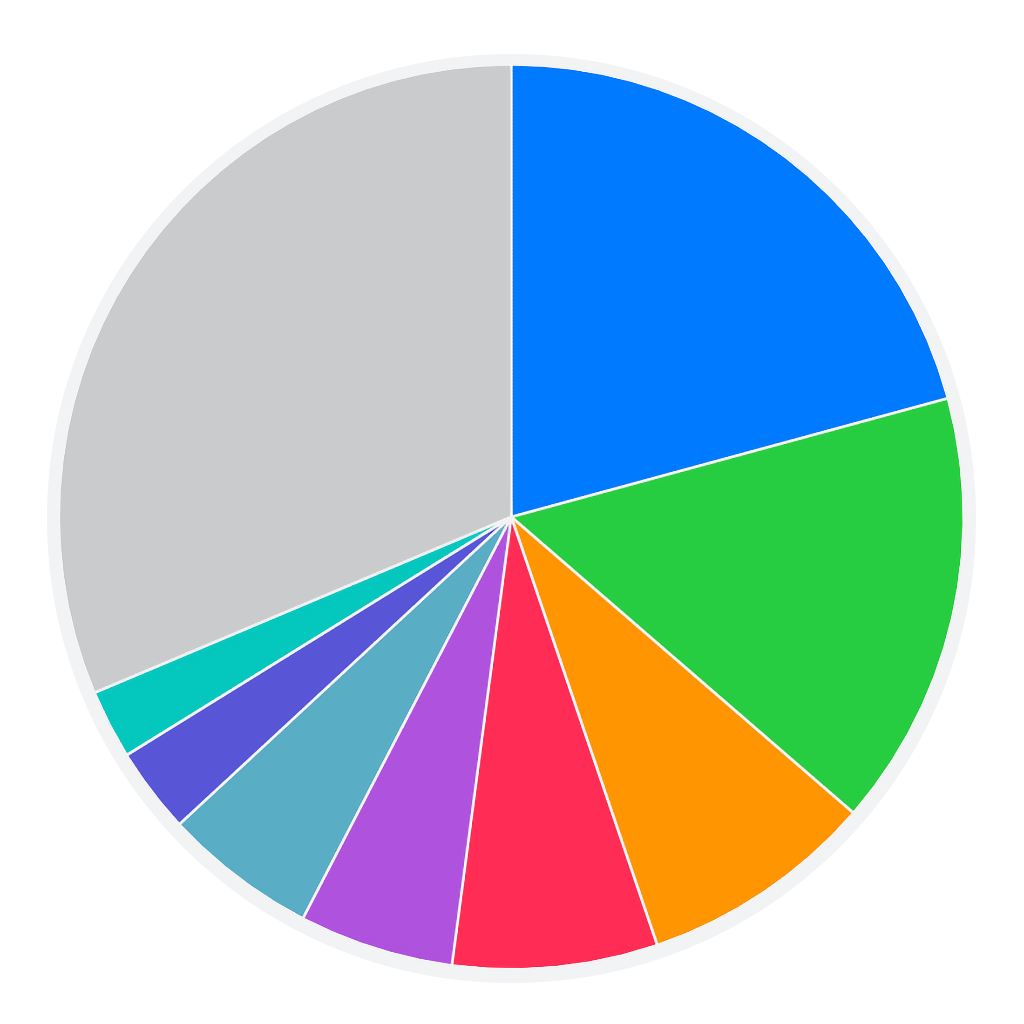
An app to help get an idea of the relative sizes of files and folders on your disk. Choose a folder, and it instantly starts showing results of the largest files in a pie chart, without having to wait for the entire scan to finish.
It uses read-only access to perform analysis, so there's no concern about deleting the wrong files by mistake. If you see a large file that you want to clean up, you can delete it via Finder or Terminal.
Highly responsive and can scan multiple other folders as well.
← Return Home